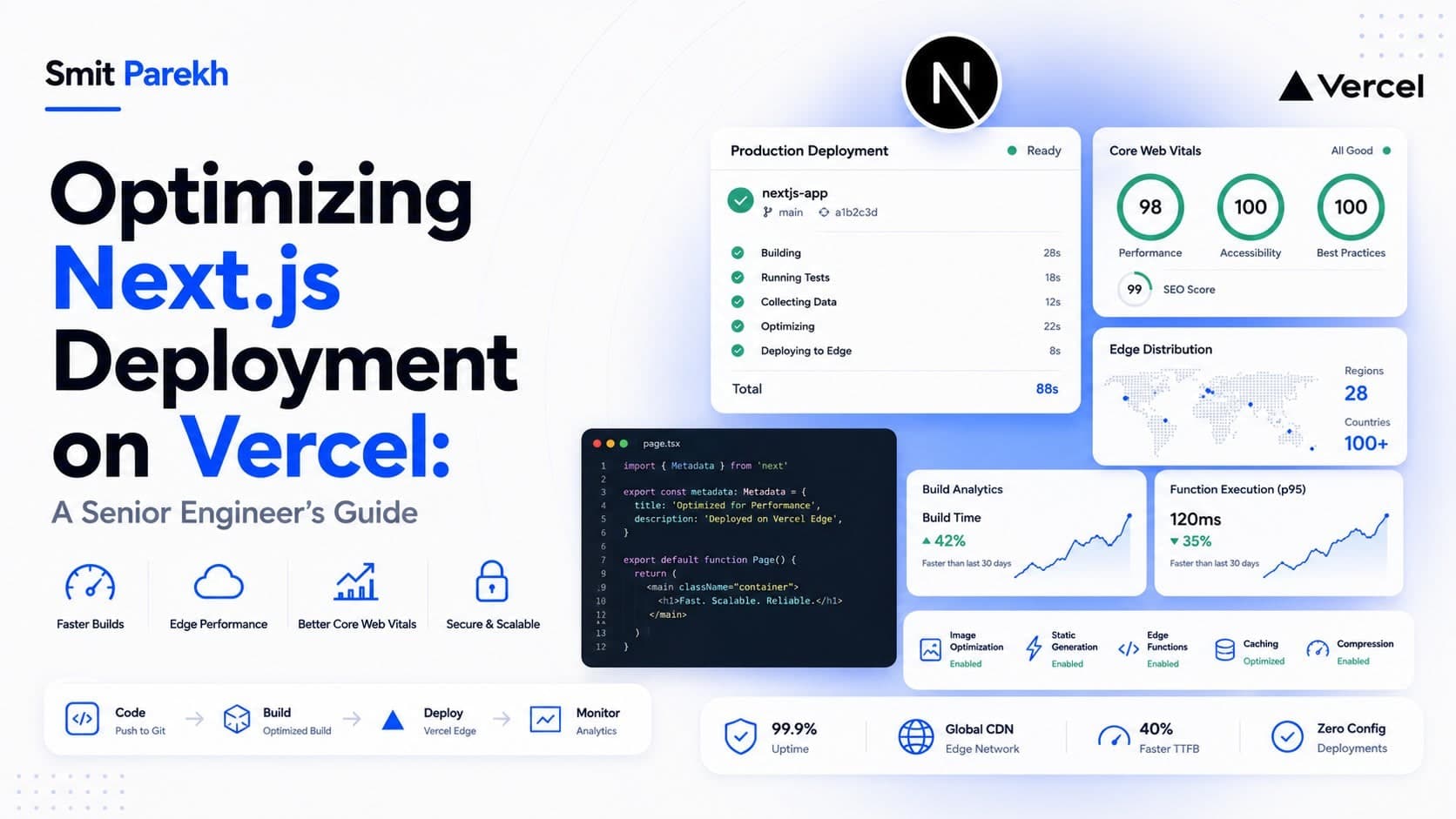
Deploying Next.js applications on Vercel has become a standard for many teams, offering a streamlined experience that abstracts away much of the infrastructure complexity. However, truly optimizing your deployment pipeline for performance, cost-efficiency, and maintainability requires a deeper understanding of Vercel's platform and Next.js's capabilities. This guide cuts through the noise, providing actionable strategies for senior developers, founders, and CTOs looking to ship robust, scalable applications.
TL;DR
- Prioritize Performance: Leverage Vercel's Edge Network, Image Optimization, and Serverless Functions for speed.
- Cost Management: Understand build minutes, function invocations, and data transfer to control expenses.
- CI/CD Best Practices: Integrate Git, utilize Vercel's dashboard, and automate deployments.
- Environment Strategy: Implement robust
development,staging, andproductionenvironments. - Security & Compliance: Secure environment variables and understand data residency.
Understanding Vercel's Architecture for Next.js
Vercel is purpose-built for Next.js, leveraging its full potential across its global Edge Network. When you deploy a Next.js application, Vercel intelligently distributes static assets to its CDN, optimizes images on demand, and deploys API routes or getServerSideProps / getStaticProps functions as serverless functions (AWS Lambda under the hood). This architecture inherently provides high availability and low latency, but effective utilization requires thoughtful configuration.
Static Site Generation (SSG) and Incremental Static Regeneration (ISR)
For content that doesn't change frequently, SSG is your performance champion. Pages generated at build time are lightning fast, served directly from the CDN. ISR extends this by allowing you to update static pages after deployment without a full rebuild, using a revalidate option in getStaticProps. This is crucial for blogs, e-commerce product pages, or documentation sites that need fresh content without sacrificing static performance.
// pages/products/[slug].tsx
export async function getStaticProps({ params }) {
  const product = await fetch(`https://api.example.com/products/${params.slug}`).then(res => res.json());
  return {
    props: { product },
    revalidate: 60, // Revalidate every 60 seconds (or more if needed)
  };
}

export async function getStaticPaths() {
  const products = await fetch('https://api.example.com/products').then(res => res.json());
  const paths = products.map((product) => ({
    params: { slug: product.slug },
  }));
  return {
    paths,
    fallback: 'blocking', // or true, depending on your needs
  };
}
Server-Side Rendering (SSR) and API Routes
For dynamic, personalized content, SSR (via getServerSideProps) and API routes are indispensable. Vercel deploys these as serverless functions. While powerful, be mindful of cold starts and execution duration, which directly impact user experience and Vercel billables (function duration, memory usage). Optimizing these often involves caching strategies and minimizing external API calls.
Optimizing Build Times and Deployment Workflows
Long build times can slow down iteration cycles and increase Vercel's build minute consumption. Several strategies can mitigate this.
Efficient Monorepo Management
If you're using a monorepo (e.g., with Nx or Turborepo), Vercel integrates seamlessly. Configure your project's root directory and build settings to only trigger builds for relevant changes. This can significantly reduce build times for large codebases. For example, in your Vercel project settings, specify the Root Directory and ensure your Ignored Build Step command is intelligent:
# Example for Turborepo
git diff --quiet HEAD^ HEAD . && turbo-ignore
Caching and Dependency Management
Vercel intelligently caches node_modules and build artifacts. Ensure your package.json is well-structured and yarn.lock or package-lock.json are committed. Using a private npm registry can also speed up dependency resolution, though this adds complexity.
Environment Management and CI/CD
A robust deployment strategy includes well-defined environments and an automated CI/CD pipeline.
Staging, Production, and Preview Deployments
Vercel's default behavior provides a production deployment from your main branch and preview deployments for every pull request. I often introduce a staging environment for client review and final QA before merging to main. This can be achieved by deploying a specific Git branch (e.g., release-staging) to a dedicated Vercel project or domain alias.
Securing Environment Variables
Never commit sensitive information to your repository. Vercel provides a secure way to manage environment variables per project and environment (development, preview, production). For highly sensitive keys (e.g., payment API secrets), consider using a secrets management service (like HashiCorp Vault or AWS Secrets Manager) and fetching them at runtime within your serverless functions, though this adds latency.
Performance and Cost Control
Beyond basic deployment, senior engineers focus on performance metrics and cost implications.
Image Optimization and Web Vitals
Next.js Image Component with Vercel's built-in Image Optimization is a game-changer. It serves responsive, optimized images from the Edge. Monitor Core Web Vitals (LCP, FID, CLS) closely using Lighthouse or Vercel Analytics. Poor performance often correlates with higher bounce rates and missed conversions.
Serverless Function Optimization
- Memory: Provision just enough memory for your serverless functions. Over-provisioning wastes money; under-provisioning leads to timeouts. Monitor average memory usage.
- Cold Starts: Reduce cold starts by keeping function bundles small and avoiding unnecessary dependencies. For critical, frequently accessed functions, consider a
keep-warmstrategy, though this incurs continuous billing. - Concurrency: Understand Vercel's function concurrency limits and how they impact your application under load, especially during peak traffic. The default limits are generous but can be adjusted.
Cost Monitoring and Alerts
Vercel's dashboard offers usage analytics for build minutes, function invocations, data transfer, and more. Set up billing alerts to avoid surprises, especially in multi-team or client projects. A monthly review of usage patterns is essential for cost-conscious development.
| Vercel Usage Metric | Impact on Cost | Optimization Strategy |
|---|---|---|
| Build Minutes | High | Monorepo awareness, efficient npm install, turbo caching. |
| Function Invocations | Medium | Cache aggressively, reduce unnecessary API calls, use SSG/ISR where possible. |
| Function Duration | Medium | Optimize function code, reduce external dependencies, appropriate memory allocation. |
| Data Transfer | Low | Leverage Vercel's CDN, optimize image sizes, compress responses. |
FAQ
Q: What's the best way to handle database connections in Vercel serverless functions?
A: Establish connections outside the request handler (e.g., at the top level of your function file) to reuse them across invocations. This avoids creating new connections on every request, which is slow and resource-intensive. Ensure your database allows sufficient connections.
Q: How do I manage large static assets that shouldn't be part of the Next.js build?
A: For very large files or media, consider external storage like Amazon S3 or Google Cloud Storage, served via a CDN. Vercel's blob storage is also an option for files up to 50MB. Link to these assets directly in your application.
Q: Can I run custom build commands on Vercel?
A: Yes, you can specify Build Command and Install Command in your Vercel project settings. This allows you to run custom scripts, compile additional assets, or integrate with other tools before the Next.js build process.
Q: How does Vercel handle environment variables for different branches?
A: Vercel allows you to scope environment variables to specific Git branches (e.g., production for your main branch, preview for all pull requests). This ensures that staging or development keys are not exposed in production builds.
Final thoughts
Vercel offers an unparalleled developer experience for deploying Next.js applications, but mastering its capabilities goes beyond the basics. By focusing on performance, cost, and a robust CI/CD pipeline, you can build and ship world-class applications efficiently. This structured approach not only delivers a better product but also ensures a scalable and maintainable infrastructure.
If you're building something similar and want a second pair of senior eyes to optimize your Next.js deployment strategy, get in touch to discuss how I can help your team ship faster and more reliably. I've shipped numerous high-performance Next.js applications, and I can bring that expertise to your next project. You can also check out my portfolio for examples of past work in this area.