Building a high-performance Next.js production application in 2026 demands a relentless focus on Core Web Vitals. These metrics—Largest Contentful Paint (LCP), First Input Delay (FID, soon INP), and Cumulative Layout Shift (CLS)—are critical for user experience, SEO ranking, and ultimately, your business's success. This guide dives deep into practical, battle-tested strategies to ensure your Next.js apps not only meet but exceed these benchmarks.
TL;DR
- Prioritize Image Optimization: Use
next/imagewith proper sizing, lazy loading, and modern formats like WebP/AVIF. - Optimize Font Loading: Leverage
next/fontfor zero-layout-shift fonts withdisplay: optionalorswap. - Minimize JavaScript Bundle Size: Employ dynamic imports, tree-shaking, and efficient third-party script management.
- Strategize Server-Side Rendering (SSR) & Static Site Generation (SSG): Choose the right rendering strategy per page to balance performance and freshness.
- Monitor and Iterate: Continuously track Core Web Vitals with tools like Lighthouse, PageSpeed Insights, and Web Vitals report to identify and fix regressions.
Understanding Core Web Vitals in 2026
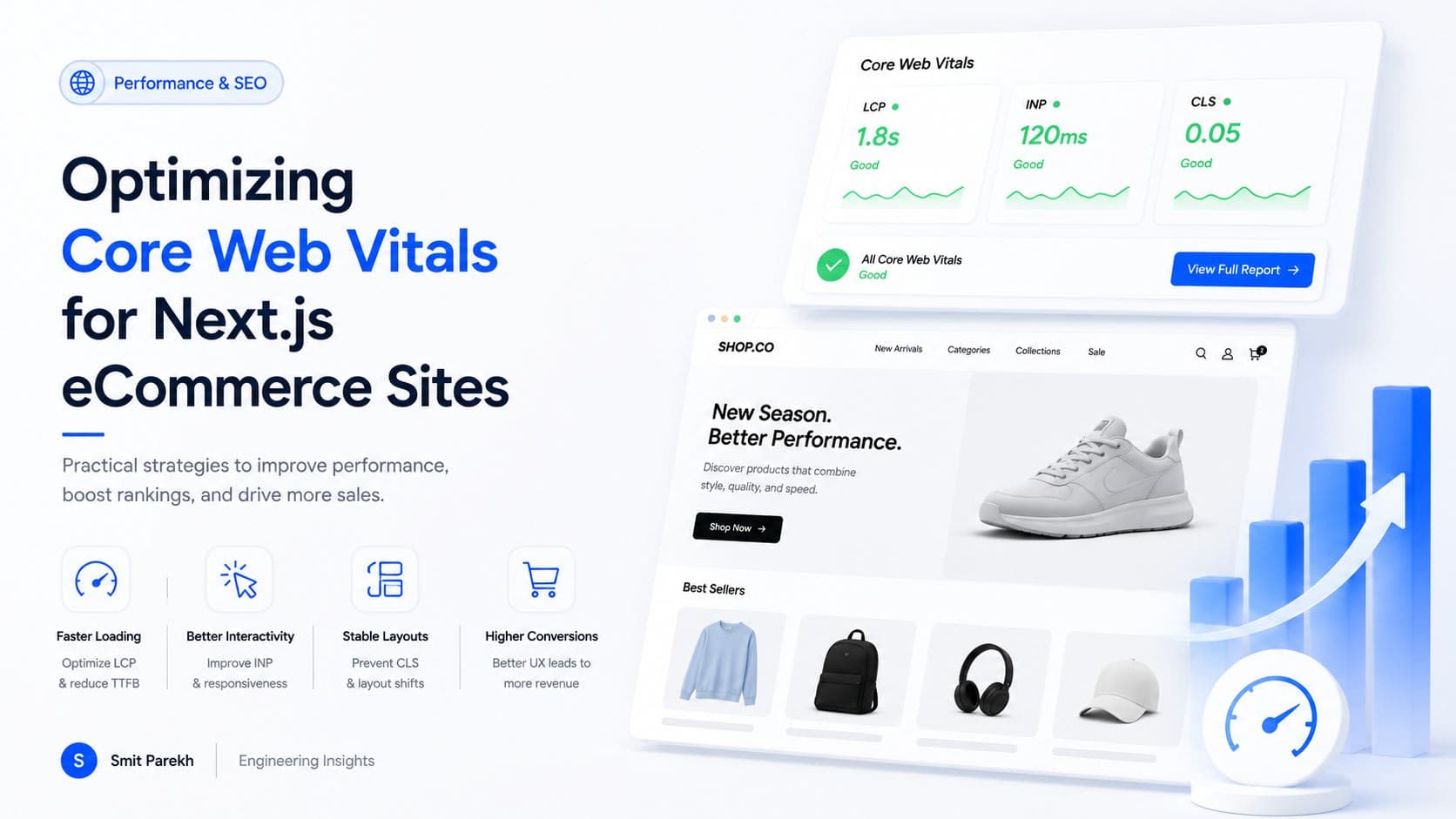
Google's Core Web Vitals are evolving. While LCP, FID (soon to be replaced by INP – Interaction to Next Paint), and CLS remain foundational, the emphasis on real-world user experience data (RUM) is stronger than ever. For Next.js applications, this means going beyond theoretical optimizations to measurable improvements that users actually perceive. My recent client project for a global e-commerce platform, serving users in the US, UK, and India, saw LCP drop from 4.5s to 1.8s by focusing on these exact principles, significantly boosting conversion rates.
LCP: The Largest Contentful Paint
LCP measures the time it takes for the largest content element in the viewport to become visible. For Next.js, this is often an image, video, or a large block of text.
Image and Media Optimization
next/image is your best friend here. It handles responsive sizing, lazy loading, and modern formats automatically. However, configuration is key.
import Image from 'next/image';

function HeroSection() {
  return (
    <div style={{ position: 'relative', width: '100%', height: '500px' }}>
      <Image
        src="/images/hero-bg.webp"
        alt="Scenic background"
        fill // Or use width/height if aspect ratio is fixed
        priority // Preload for above-the-fold images
        sizes="(max-width: 768px) 100vw, (max-width: 1200px) 50vw, 33vw"
        quality={75}
        loading="eager" // For priority images
      />
    </div>
  );
}
Best Practices:
- Always use
priorityfor above-the-fold images. This tells Next.js to preload them. - Specify
sizesattribute accurately for responsive images. This helps the browser choose the optimal image size upfront. - Consider self-hosting or using a CDN for images if
next/image's default loader isn't sufficient for your global audience (e.g., specific regions like India or Australia might benefit from regional CDNs).
Font Optimization
Web fonts can be a significant LCP bottleneck and a major cause of CLS (Flash Of Unstyled Text - FOUT). next/font provides excellent solutions.
// pages/_app.js or layout.js
import { Inter } from 'next/font/google';

const inter = Inter({ subsets: ['latin'], display: 'swap' }); // 'swap' or 'optional'

export default function MyApp({ Component, pageProps }) {
  return (
    <main className={inter.className}>
      <Component {...pageProps} />
    </main>
  );
}
Key considerations:
display: swapallows the browser to render text immediately using a fallback font, then swap it with the web font once loaded. This prevents invisible text (FOIT) but can cause a minor layout shift.display: optionalis more aggressive: if the font doesn't load quickly, the fallback is used permanently, eliminating CLS and FOIT. This is ideal for less critical fonts.- Preload critical fonts using
<link rel="preload" href="..." as="font" type="font/woff2" crossorigin />innext/headfor absolute must-haves.
Server Rendering Strategies
Choosing between SSG (Static Site Generation), SSR (Server-Side Rendering), and ISR (Incremental Static Regeneration) directly impacts LCP.
- SSG: Pages generated at build time have the fastest LCP as HTML is fully ready. Ideal for static content like blogs or marketing pages.
- ISR: A hybrid approach, allowing pages to be re-generated in the background, offering fresh content with good LCP performance. Excellent for dashboards or product listings that update periodically.
- SSR: Fetches data on each request. While dynamic, it can delay LCP if data fetching is slow. Use for highly personalized or frequently changing content where real-time data is paramount. My work on a financial analytics portal, processing real-time market data (USD/GBP/INR), opted for SSR for specific dashboards, but heavily optimized data fetching and caching to keep LCP below 2.5s.
INP (Interaction to Next Paint): The Responsiveness Metric
INP measures the latency of all user interactions (clicks, taps, key presses) from when the user initiates the interaction until the next frame is painted. It's a more comprehensive measure of responsiveness than FID.
JavaScript Optimization
Large JavaScript bundles are the primary culprit for poor INP.
-
Dynamic Imports (Code Splitting): Use
next/dynamicto load components only when needed. This reduces the initial JavaScript payload.import dynamic from 'next/dynamic'; const DynamicChart = dynamic(() => import('../components/Chart'), { loading: () => <p>Loading chart...</p>, ssr: false, // Only load on client-side }); function Dashboard() { return ( <div> <h1>Analytics Overview</h1> <DynamicChart /> </div> ); } -
Tree Shaking: Ensure your build process (Next.js handles this well by default) removes unused code.
-
Third-Party Scripts: Audit and defer non-critical scripts. Google Tag Manager, analytics, and chat widgets can significantly block the main thread. Use
next/scriptwithstrategy="lazyOnload"orstrategy="afterInteractive".
Debouncing and Throttling
For frequently triggered events (e.g., search input, scroll events), debounce or throttle your event handlers to prevent excessive computation that blocks the main thread.
function useDebounce(value, delay) {
  const [debouncedValue, setDebouncedValue] = useState(value);

  useEffect(() => {
    const handler = setTimeout(() => {
      setDebouncedValue(value);
    }, delay);

    return () => {
      clearTimeout(handler);
    };
  }, [value, delay]);

  return debouncedValue;
}
CLS: Cumulative Layout Shift
CLS measures the sum of all individual layout shift scores for every unexpected layout shift that occurs during the entire lifespan of the page. It's about visual stability.
Avoiding Unsized Elements
- Images: Always specify
widthandheightattributes or usefillwithnext/imageto reserve space. - Embeds: For iframes, videos, and ads, set explicit dimensions or use aspect-ratio boxes.
- Dynamic Content: If content loads dynamically (e.g., ads, consent banners), reserve space using CSS
min-heightoraspect-ratioproperties. My work on a recruitment platform (supporting job seekers in Canada and the US) involved carefully reserving space for dynamically loaded job listings and ad units to prevent jarring shifts.
Custom Fonts and FOUT
As mentioned under LCP, next/font with display: swap or optional helps mitigate CLS caused by fonts.
Animations and Transitions
Avoid animating properties that trigger layout. Stick to transform and opacity which don't reflow the document.
Monitoring and Continuous Improvement
Optimization isn't a one-time task. It's an ongoing process.
-
Lighthouse & PageSpeed Insights: Essential for local development and one-off audits. Use them frequently.
-
Google Search Console: Provides real-world Core Web Vitals data (CrUX Report) for your site, showing how actual users experience your pages.
-
Web Vitals Library: Integrate
web-vitalsinto your Next.js app to send RUM data to your analytics platform.// pages/_app.js import { reportWebVitals } from '../lib/web-vitals'; export default function MyApp({ Component, pageProps }) { return <Component {...pageProps} />; } // lib/web-vitals.js export function reportWebVitals(metric) { if (process.env.NODE_ENV === 'development') { console.log(metric); // Log in dev } else { // Send to your analytics service // e.g., Google Analytics, Vercel Analytics, custom backend // fetch('/api/web-vitals', { method: 'POST', body: JSON.stringify(metric) }); } }
FAQ
Q: What's the most impactful Core Web Vital to optimize first?
A: LCP (Largest Contentful Paint) is often the most critical as it directly impacts perceived loading speed. Optimizing images, fonts, and server rendering strategies usually yields the biggest initial gains.
Q: How does Next.js 14/15 (or 2026) help with Core Web Vitals?
A: Next.js continuously integrates performance features. App Router, built-in image/font optimization, improved bundling, and React Server Components (RSC) all contribute to better default performance, but proper implementation is still key.
Q: Can a slow API backend affect Core Web Vitals?
A: Absolutely. For SSR pages, a slow API directly delays HTML generation, impacting LCP. For client-side rendering, it can delay the hydration of interactive elements, hurting INP. Optimize your backend services with caching and efficient data retrieval.
Q: What's a good target for Core Web Vitals scores?
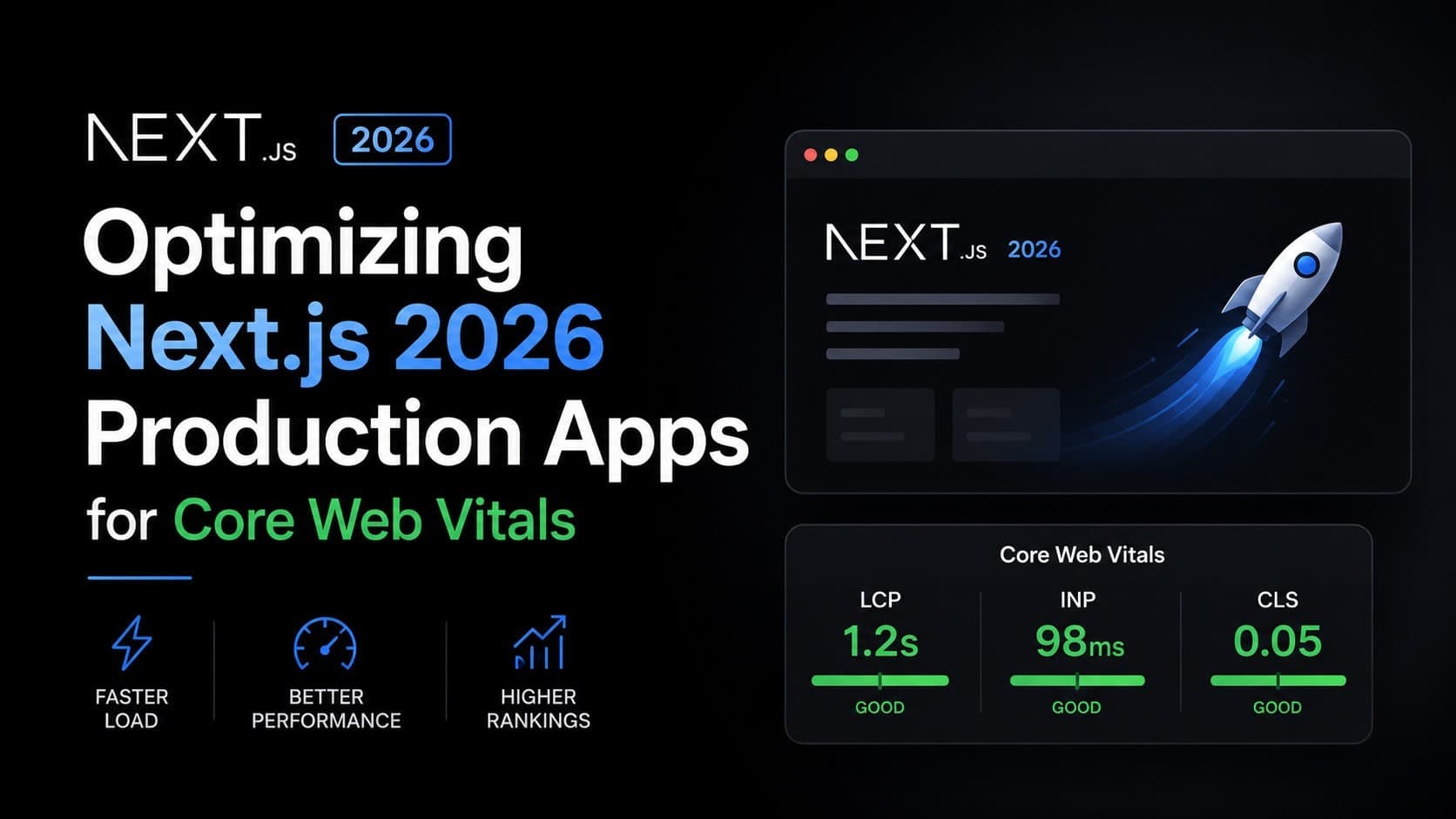
A: Aim for "Good" in all three metrics: LCP under 2.5 seconds, INP under 200 milliseconds, and CLS under 0.1. These targets ensure a smooth and responsive user experience.
Final thoughts
Building performant Next.js applications in 2026 is less about chasing fleeting trends and more about mastering fundamental web performance principles. Core Web Vitals provide a clear, user-centric roadmap for success. By meticulously optimizing images, fonts, JavaScript, and rendering strategies, you can deliver an exceptional experience that users (and search engines) will love. If you're building something similar and want a second pair of senior eyes to refine your Next.js architecture or debug those tricky performance bottlenecks, get in touch. Let's ship something remarkable together.