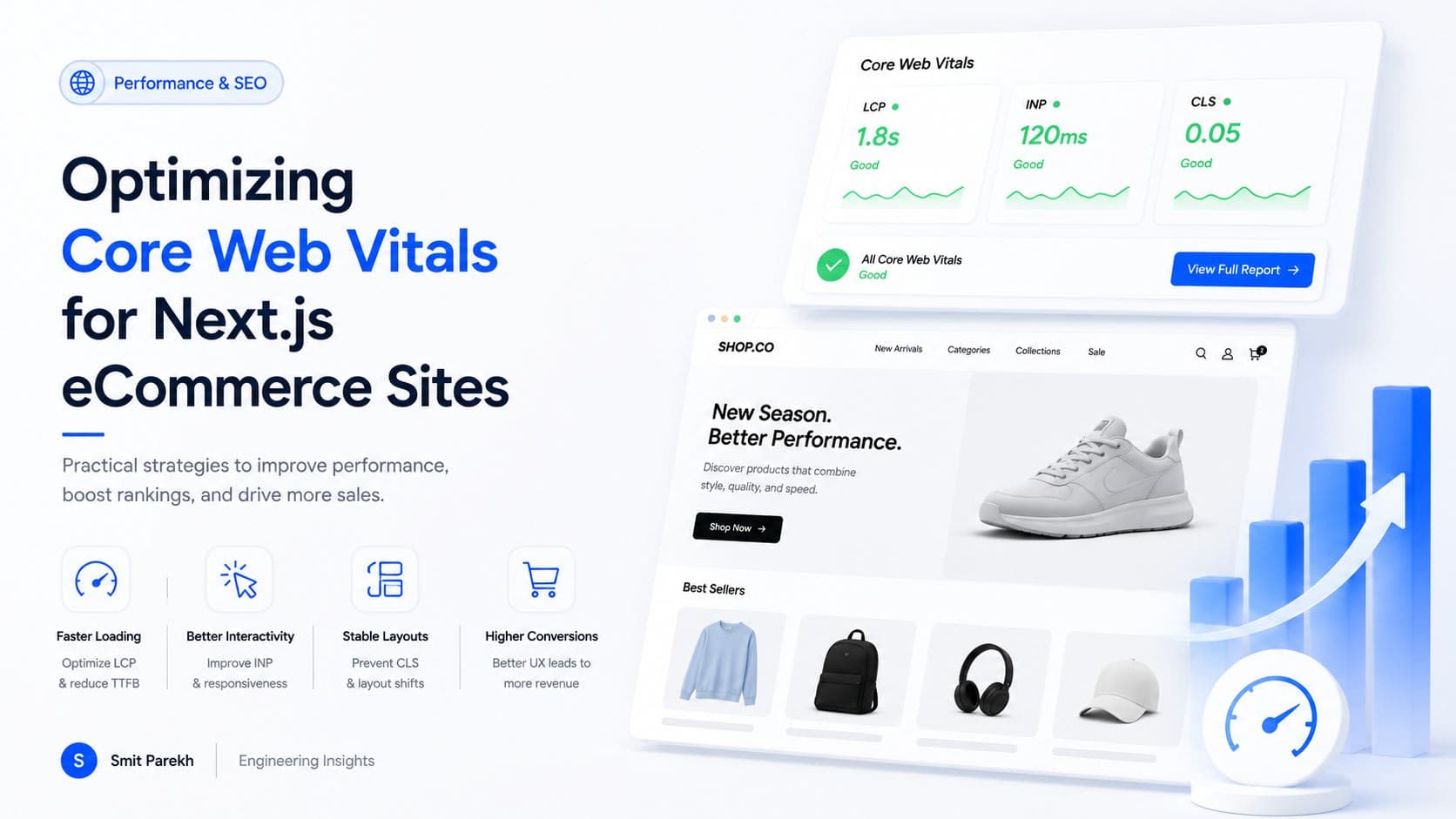
Building a high-performing Next.js eCommerce site requires more than just slick features; it demands a stellar user experience, and that starts with Core Web Vitals. These metrics directly impact SEO rankings, conversion rates, and ultimately, your bottom line. I've personally seen how a few key optimizations can transform a sluggish site into a snappier, more engaging storefront, especially for users on varying network conditions across India, Canada, the UK, and the US.
TL;DR
- Prioritize Image Optimization: Use Next.js Image component, WebP/AVIF, and proper sizing.
- Lazy Load Aggressively: Defer offscreen images, components, and client-side logic.
- Eliminate Render-Blocking Resources: Inline critical CSS, defer non-critical JS.
- Preload Crucial Assets: Fonts and hero images for faster LCP.
- Optimize Third-Party Scripts: Host locally or use
next/scriptstrategy. - Manage Layout Shifts (CLS): Reserve space for dynamic content like ads or embeds.
- Leverage Edge Caching: Utilize CDN for static assets and API responses.
1. Master Next.js Image Component and Modern Formats
Largest Contentful Paint (LCP) is often dominated by images, especially hero banners on product pages. Next.js's next/image component is a game-changer here, automating responsive sizing, lazy loading, and modern format (WebP, AVIF) conversion. Many developers still underutilize its full potential or misuse it, leading to bloated images.
Practical Implementation:
Ensure you're using priority for above-the-fold images and fill or sizes attributes correctly. Always specify width and height to prevent layout shifts (CLS). For background images, consider using the Image component with object-fit: cover or a next/image wrapper that renders a responsive background element.
import Image from 'next/image';

function HeroSection({ imageUrl, altText }) {
  return (
    <div style={{ position: 'relative', width: '100%', height: '400px' }}>
      <Image
        src={imageUrl}
        alt={altText}
        fill
        sizes="(max-width: 768px) 100vw, (max-width: 1200px) 50vw, 33vw"
        priority // For images above the fold
        style={{ objectFit: 'cover' }}
      />
      <h1 className="absolute inset-0 flex items-center justify-center text-white text-4xl">
        Shop Our Latest Collection
      </h1>
    </div>
  );
}
2. Strategic Lazy Loading for Improved LCP and FID
Beyond images, nearly everything that isn't critical for the initial viewport can be lazy-loaded. This includes components, client-side logic, and even API calls. Fine-tuning what gets loaded and when significantly impacts LCP and First Input Delay (FID).
Techniques:
- Dynamic Imports: Use
React.lazyandSuspensewithnext/dynamicfor client-side components. For example, a complex product configurator or a chat widget might not need to load immediately. - Intersection Observer: Implement custom lazy loading for non-image elements if
next/imagedoesn't fit the use case. - Data Fetching: Defer fetching data for sections further down the page until they are about to become visible.
import dynamic from 'next/dynamic';

const DynamicReviewSection = dynamic(
  () => import('../components/ProductReviews'),
  {
    ssr: false, // Only render on client side
    loading: () => <p>Loading reviews...</p>
  }
);

function ProductPage() {
  return (
    <div>
      {/*... product details ...*/}
      <DynamicReviewSection productId="123" />
    </div>
  );
}
3. Eliminate Render-Blocking Resources (CSS & JS)
Render-blocking resources force the browser to wait before it can paint the page, directly hurting LCP. Critical CSS and JavaScript should be handled meticulously.
Best Practices:
- Inline Critical CSS: Extract CSS required for the initial viewport and inline it in the
<head>. Tools likecriticalor even manual identification can help. This significantly improves FCP (First Contentful Paint) and LCP. - Defer Non-Critical JS: Use
deferorasyncattributes for JavaScript files that aren't essential for initial page render. Next.js handles this well for its own bundles, but third-party scripts often need manual intervention. - CSS-in-JS solutions: Ensure your chosen solution (e.g., Styled Components, Emotion) extracts critical CSS correctly during server-side rendering (SSR) to prevent FOUC (Flash of Unstyled Content) and render-blocking issues.
4. Preload Crucial Assets for Faster LCP
Browsers often discover critical resources late in the rendering process. rel='preload' helps the browser fetch these assets earlier, improving LCP.
What to Preload:
- Web Fonts: If your brand fonts are crucial for above-the-fold content, preload them. Use
crossoriginfor fonts served from a different domain. - Hero Images: While
next/imagewithpriorityoften handles this, for very specific LCP-critical images not managed bynext/image, a manual preload link can be beneficial.
<link rel="preload" href="/fonts/your-brand-font.woff2" as="font" type="font/woff2" crossorigin>
<link rel="preload" href="/images/hero-banner-mobile.webp" as="image">
5. Optimize Third-Party Scripts and Iframes
ECommerce sites are notorious for third-party scripts: analytics, payment gateways, review widgets, A/B testing, and ads. These often introduce significant performance bottlenecks, impacting FID and LCP.
Mitigation Strategies:
next/scriptComponent: Leverage Next.js's built-innext/scriptcomponent withstrategy='afterInteractive'orstrategy='lazyOnload'for non-critical scripts.beforeInteractiveis for scripts that need to load immediately.- Host Locally: If possible, host small, static third-party scripts locally to gain more control over caching and delivery.
- Audit Regularly: Periodically review all third-party scripts. Is every script truly necessary? Can any be removed or replaced with more performant alternatives? Even a slight delay in script loading can cost hundreds of thousands in USD, CAD, GBP, or INR in lost revenue over time.
import Script from 'next/script';

function MyPage() {
  return (
    <>
      <h1>Product Page</h1>
      <Script
        src="https://www.google-analytics.com/analytics.js"
        strategy="lazyOnload"
        onLoad={() => {
          console.log(`Script loaded correctly, window.ga available`);
        }}
      />
      {/*... rest of the page ...*/}
    </>
  );
}
6. Manage Layout Shifts (CLS)
Cumulative Layout Shift (CLS) measures visual stability. Unexpected shifts are frustrating and can lead to users clicking the wrong element. Common culprits in eCommerce include dynamically loaded ads, cookie banners, embedded videos, and images without explicit dimensions.
Preventing CLS:
- Reserve Space: Always reserve space for dynamically injected content using CSS
min-height,aspect-ratio(for images/videos), or fixedheights. - Place Ads Carefully: If you display ads, ensure their containers have a predefined size. Avoid pushing content down after the initial render.
- Font Loading: Use
font-display: optionalorswapwith carefulsize-adjustto minimize FOUT/FOIT (Flash of Unstyled/Invisible Text) and associated layout shifts. Preloading fonts helps too.
7. Leverage Edge Caching with a CDN
While not strictly a Core Web Vital optimization in terms of client-side rendering, effective edge caching dramatically reduces server response times (TTFB - Time To First Byte), which is a crucial component of LCP.
Benefits:
- Global Reach: For an eCommerce site targeting customers in the US, Canada, UK, and India, a CDN ensures static assets (images, CSS, JS) and even dynamic API responses are served from a location geographically closer to the user.
- Reduced Server Load: Offloading requests to the CDN reduces the load on your origin server, improving its responsiveness for dynamic content.
- Faster TTFB: A lower TTFB directly contributes to a better LCP score as the browser receives the initial bytes of the HTML document sooner.
Configure your CDN (e.g., Cloudflare, Vercel Edge Network, AWS CloudFront) to cache static assets aggressively and consider caching API responses for frequently accessed, non-personalized data like product listings or categories.
FAQ
Q: What are Core Web Vitals and why are they important for eCommerce?
A: Core Web Vitals are a set of metrics (LCP, FID, CLS) from Google that measure real-world user experience. For eCommerce, they directly impact SEO rankings, user engagement, and conversion rates, as slow or unstable sites drive customers away and reduce sales.
Q: Does SSR or SSG in Next.js automatically optimize Core Web Vitals?
A: While Server-Side Rendering (SSR) and Static Site Generation (SSG) in Next.js provide a strong foundation by delivering ready-to-render HTML, they don't automatically guarantee excellent Core Web Vitals. You still need to apply client-side optimizations for images, fonts, third-party scripts, and layout stability.
Q: How can I measure my Next.js site's Core Web Vitals?
A: You can measure Core Web Vitals using tools like Google PageSpeed Insights, Lighthouse (in Chrome DevTools), Web Vitals Chrome Extension, and Google Search Console's Core Web Vitals report, which uses real-user data (field data).
Q: Is it worth optimizing for FID when most interactions happen after LCP?
A: Absolutely. While LCP focuses on load, FID measures the responsiveness of your site to user input during loading. A poor FID can lead to frustrating delays when a user tries to click a product, open a menu, or add to cart, directly impacting critical user journeys and conversions.
Final thoughts
Optimizing Core Web Vitals for Next.js eCommerce isn't a one-time task; it's an ongoing commitment to user experience and technical excellence. By focusing on these seven areas—image optimization, lazy loading, render-blocking resources, preloading, third-party script management, CLS prevention, and edge caching—you'll build a faster, more robust online store that ranks higher, engages more users, and ultimately drives more revenue. If you're building something similar and want a second pair of senior eyes to ensure your Next.js application shines in performance, get in touch to discuss your project. I've helped numerous clients ship high-performance, scalable web applications that meet modern web standards and exceed user expectations. You can also explore some of my recent work in the portfolio section.