- Start with one high-value use case, not AI everywhere.
- Treat the model as one component behind a clean API, not the whole product.
- Cost and latency are design decisions — handle them up front.
- Always plan for wrong or unavailable model output.
Adding AI to a product is easy to start and easy to get wrong. The teams that win do not bolt a chatbot onto everything — they pick one workflow where AI removes real friction, then ship it reliably and affordably. This is a practical guide to integrating AI into your web app: where it helps, how to architect it, and how to keep the bill under control.
Pick one workflow that AI genuinely improves
The best AI features remove a specific, repetitive pain: summarising long content, drafting text, classifying support tickets, semantic search, or extracting structured data from messy input. Resist the urge to sprinkle AI everywhere. One feature that clearly saves users time beats five half-working ones that erode trust.
Architect the model as a component
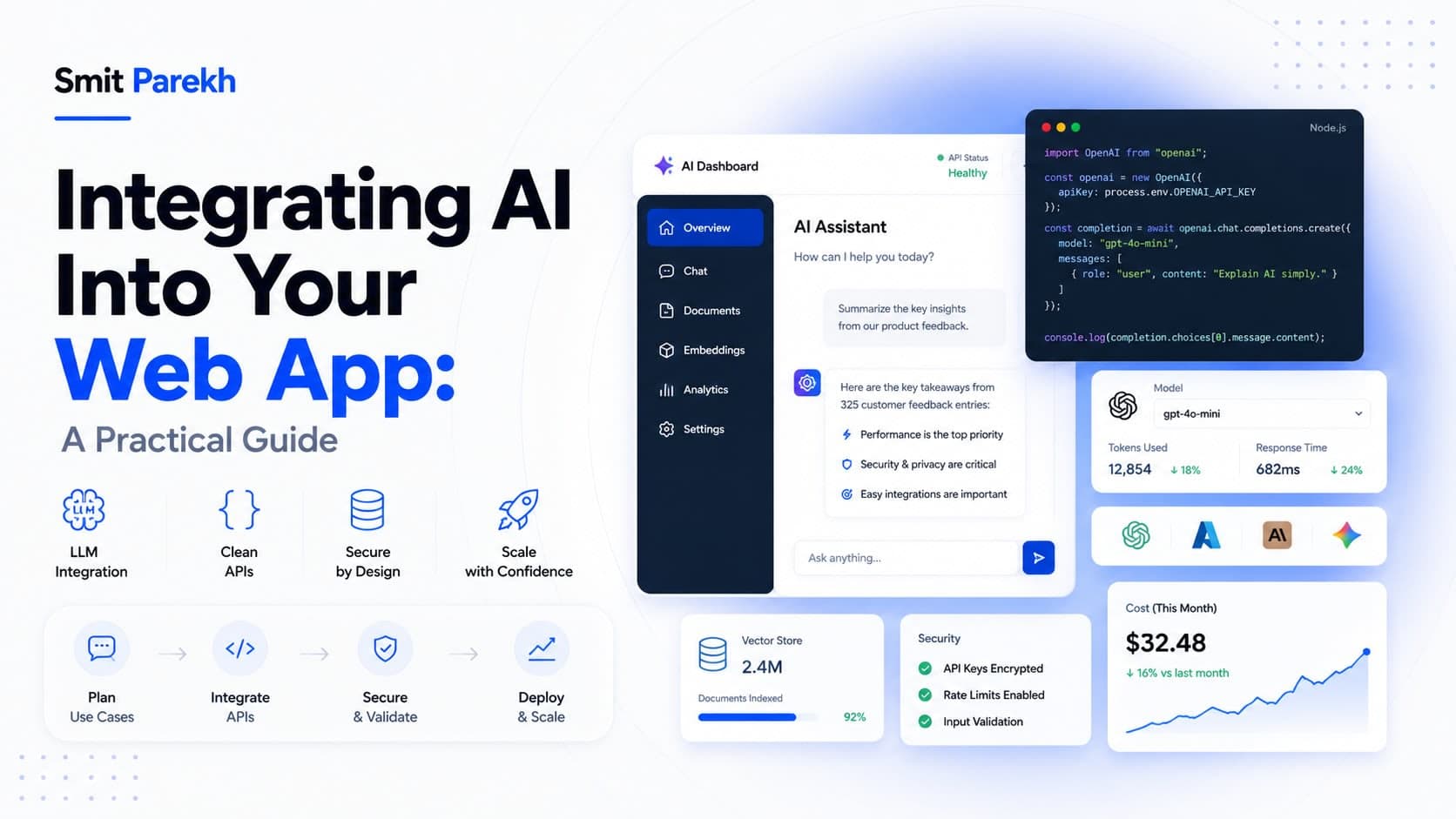
A reliable integration keeps the model behind your own backend, not called directly from the browser. Your server owns the prompt, validates input and output, handles retries, and never exposes API keys. That boundary lets you swap providers, add caching, and enforce limits without touching the frontend. Provider docs like the Anthropic documentation cover the API surface, but the architecture around it is what makes a feature production-ready.
Control cost and latency from day one
Model calls cost money and take time, so design for both. Cache repeated requests, stream responses so the interface feels fast, choose a smaller model when it is good enough, and set sensible token limits. These are not afterthoughts — they are the difference between a feature that scales and one that surprises you on the invoice.
Plan for failure
Models can return wrong answers, hit rate limits, or go down. Validate output before you trust it, show graceful fallbacks, and keep a human in the loop for anything high-stakes. A robust AI feature degrades politely instead of breaking the whole app. That production mindset is how I approach AI integration and AI chatbot development.
FAQ
Q: Do I need a machine learning team to add AI to my app?
A: Usually not for common features. A senior full-stack developer who understands LLM APIs can integrate summarisation, chat, search, and classification. Dedicated ML expertise matters mainly for custom model training or large-scale deployments.
Q: How do I keep AI costs under control?
A: Cache repeated calls, pick the smallest model that does the job, cap token usage, and stream responses. Treating cost and latency as design constraints from the start prevents unpleasant surprises later.
Q: Should the AI model be called from the frontend or backend?
A: The backend. Routing calls through your server protects API keys, lets you validate and cache, and makes it easy to swap providers or add limits without changing the client.
Final thoughts
AI is most valuable when it quietly removes friction from one real workflow. If you want a feature that is reliable, affordable, and production-ready, see my AI integration service or hire a full-stack AI developer.