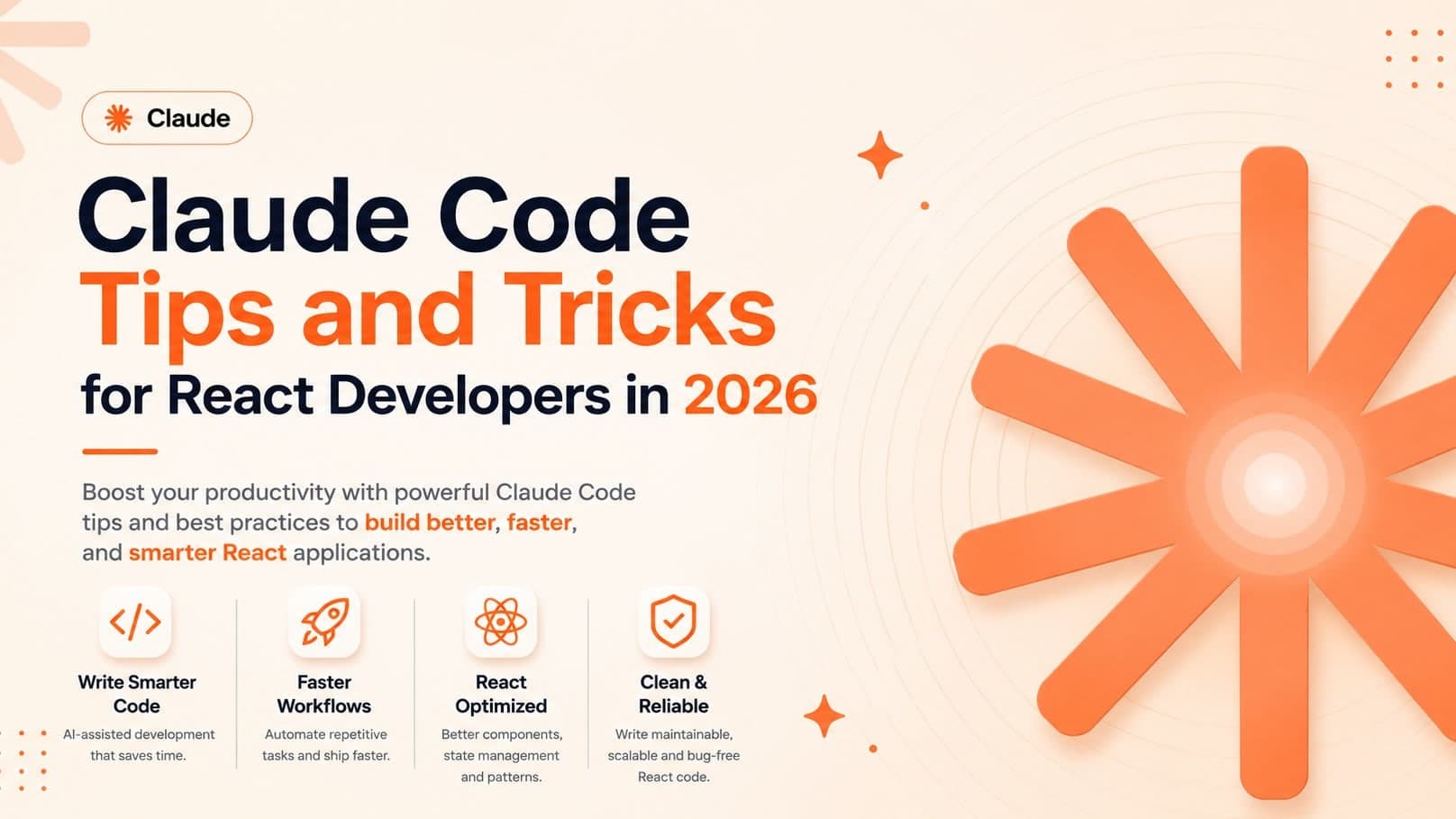
AI-assisted development has evolved far beyond simple code generation. Modern tools like Claude Code can understand entire repositories, execute development workflows, create documentation, analyze architecture, and even act as specialized software agents.
As a full-stack developer working with React, Next.js, Node.js, TypeScript, and AI integrations, I have found that the biggest productivity gains do not come from asking Claude to write code. They come from teaching Claude how your project works.
In this guide, I will share practical Claude Code tips and tricks, including CLAUDE.md strategies, custom agents, reusable skills, React development workflows, and productivity techniques that can save hours every week.
Stop Using Claude Like a Chatbot
Many developers still use Claude the same way they use a search engine.
They ask:
"Create a React component."
"Fix this bug."
"Write an API route."
While that works, it barely scratches the surface of what Claude Code can do.
The best results happen when Claude understands:
- Your architecture
- Coding standards
- Folder structure
- Design patterns
- Deployment workflow
- Team conventions
Instead of prompting repeatedly, teach Claude once and let it apply those rules consistently.
Create a Strong CLAUDE.md File
One of the most powerful features in Claude Code is CLAUDE.md.
Think of it as project memory.
A good CLAUDE.md file explains:
- Project purpose
- Technology stack
- Coding conventions
- File organization
- Architecture decisions
- Naming standards
- Deployment process
Example:
# Project Rules

Framework: Next.js 15
Language: TypeScript
Styling: Tailwind CSS
Database: MongoDB

Rules:
- Use server components by default
- Prefer TypeScript interfaces
- Use Zod validation
- Avoid inline styles
- Create reusable UI components
- Use App Router only
Once configured, Claude produces significantly more consistent output.
Create Specialized Agents
Most developers use one general-purpose assistant.
A better approach is creating specialized agents.
Examples include:
React Agent
Responsible for:
- Components
- Hooks
- State management
- UI optimization
- Accessibility
API Agent
Responsible for:
- Backend routes
- Validation
- Database operations
- Authentication
SEO Agent
Responsible for:
- Metadata
- Structured data
- Internal linking
- Performance audits
Documentation Agent
Responsible for:
- README files
- Technical docs
- API documentation
This separation creates more focused outputs and reduces context confusion.
Build Reusable Skills
Skills are one of the most underrated productivity features.
Instead of rewriting prompts every day, create reusable instructions.
Examples:
React Component Review Skill
Checks:
- Accessibility
- Performance
- Type safety
- Code duplication
- React best practices
Pull Request Review Skill
Checks:
- Security issues
- Error handling
- TypeScript quality
- Scalability concerns
SEO Audit Skill
Checks:
- Metadata
- Structured data
- Heading hierarchy
- Core Web Vitals
These reusable workflows become increasingly valuable as projects grow.
Use Claude for React Refactoring
One of Claude's strongest abilities is refactoring large React codebases.
Useful prompts include:
- Convert class components to functional components
- Extract reusable hooks
- Optimize rendering performance
- Remove duplicated logic
- Improve TypeScript typing
Instead of generating new code, Claude can often create more value by improving existing code.
Let Claude Understand Your Architecture
The more context Claude has, the better it performs.
Before requesting major changes, provide:
- Folder structure
- Routing architecture
- State management approach
- Database design
- API patterns
This reduces hallucinations and improves consistency.
For larger projects, maintain architecture documentation inside CLAUDE.md.
Use Claude for Code Reviews
Many developers use AI only before code exists.
I often get more value after code is written.
Example requests:
"Review this pull request like a senior engineer."
"Find scalability risks."
"Identify security concerns."
"Suggest performance improvements."
Claude frequently identifies issues that are easy to overlook during implementation.
Build Better Next.js Applications
Claude performs particularly well with modern Next.js projects.
Useful workflows include:
- App Router setup
- Server Components
- Route Handlers
- Server Actions
- Metadata generation
- SEO implementation
- Authentication systems
- API integrations
The key is documenting your preferred patterns so Claude follows them automatically.
Create Development Checklists
One productivity hack is creating reusable development checklists.
Example:
Before completing any feature:

- Verify TypeScript types
- Add loading states
- Add error handling
- Check accessibility
- Verify mobile responsiveness
- Review SEO impact
- Update documentation
Claude can automatically apply these requirements during development.
Use Claude for Technical SEO
As someone who works in both development and technical SEO, I frequently use Claude for:
- Structured data generation
- Sitemap planning
- Metadata optimization
- Internal linking recommendations
- Content architecture
- Technical audits
Combining development knowledge with SEO workflows creates significant advantages for modern websites.
Build AI Agents for Repetitive Work
Many engineering tasks follow predictable patterns.
Claude agents can automate:
- Documentation generation
- Code reviews
- Dependency analysis
- Test generation
- API validation
- Content updates
This reduces repetitive work and allows developers to focus on higher-value decisions.
Common Mistakes Developers Make
The biggest mistakes I see include:
No CLAUDE.md File
Without project context, Claude starts every conversation from scratch.
Overly Generic Prompts
Specific requirements produce dramatically better results.
No Reusable Skills
Repeated prompts waste time.
Skills solve this problem.
No Architecture Documentation
Large projects need architectural context.
Treating Claude as a Junior Developer
Claude works best as a collaborative engineering assistant rather than a simple code generator.
My Claude Workflow
As Smit Parekh, my workflow typically includes:
- Maintaining a detailed CLAUDE.md file.
- Creating specialized agents.
- Building reusable skills.
- Using Claude for reviews and refactoring.
- Combining technical SEO and development workflows.
- Leveraging AI to accelerate implementation while maintaining engineering standards.
This approach consistently produces better results than relying on ad-hoc prompts.
Work With Smit Parekh
Looking to integrate Claude Code, AI agents, custom automation, React applications, Next.js development, technical SEO, or AI-powered workflows into your business?
I help startups, SaaS companies, agencies, and founders build scalable software using modern technologies and AI-assisted development practices.
Services include:
- AI Integration Consulting
- Claude Code Implementation
- React Development
- Next.js Development
- Technical SEO
- Website Migration
- Website Redesign
- Full-Stack Development
- AI Agent Development
Connect with me:
- Website: https://www.smitparekh.co.in/contact
- LinkedIn: https://www.linkedin.com/in/smitparekh84/
- X: https://x.com/smit_parekh84
- Upwork: https://www.upwork.com/freelancers/~018877bbeb80ff2d25
Final Thoughts
Claude Code becomes dramatically more valuable when you move beyond simple prompts and start building reusable systems around it.
A strong CLAUDE.md file, specialized agents, reusable skills, and documented workflows can transform Claude from a coding assistant into a true development partner.
For React and Next.js developers, these practices can significantly improve productivity, code quality, consistency, and long-term maintainability.