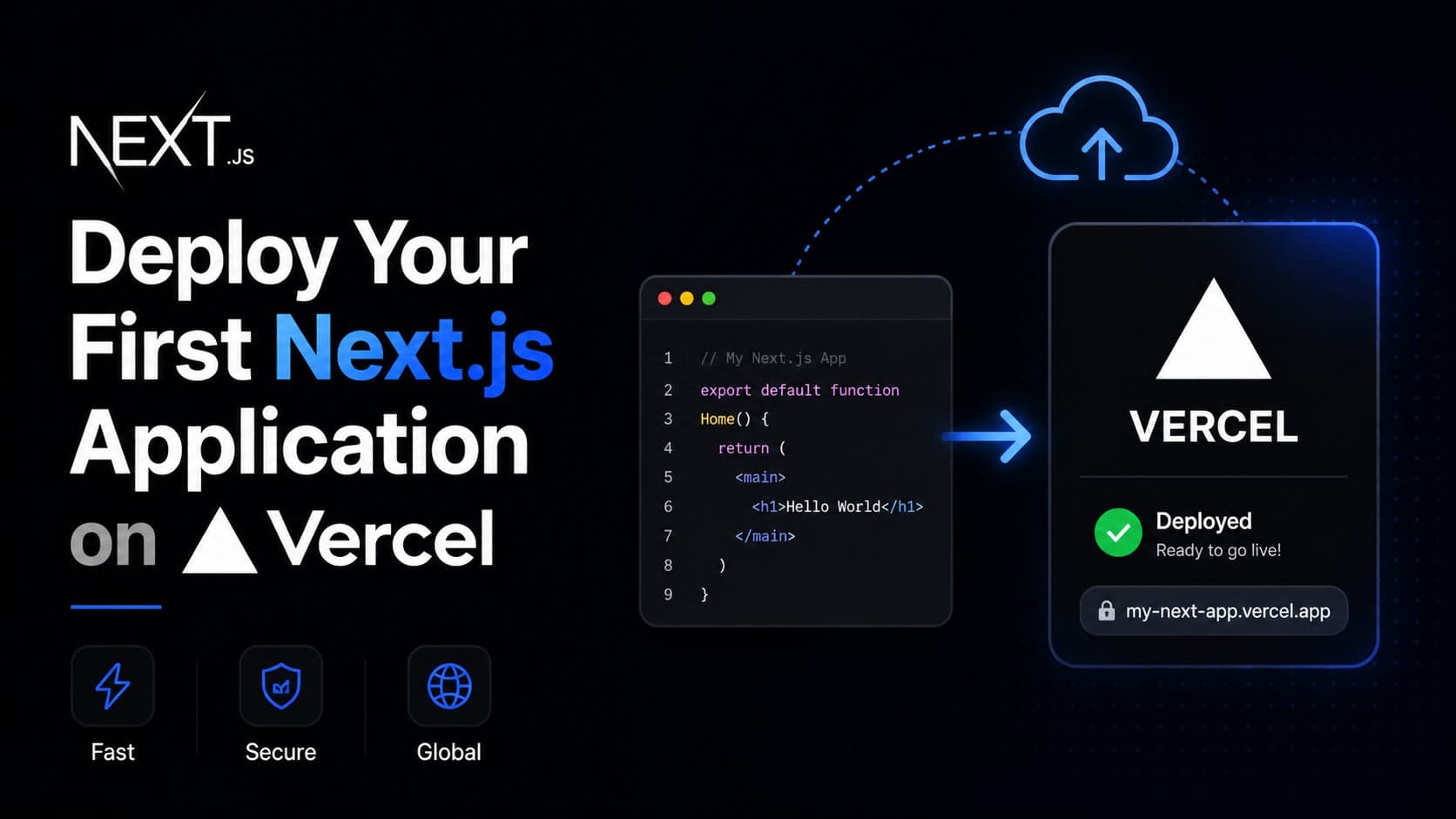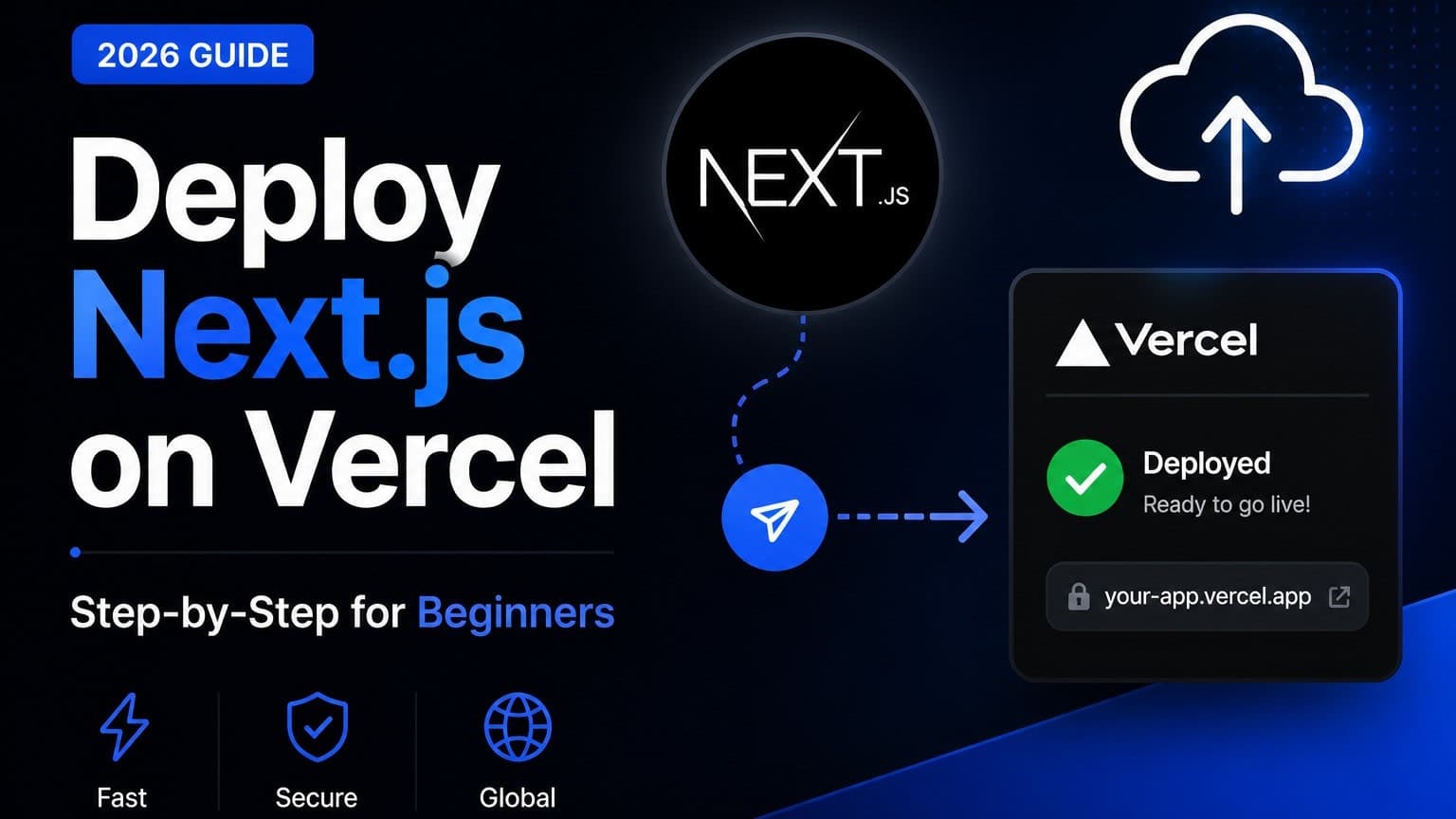
Deploying your Next.js application on Vercel is a common and highly effective choice for modern web development. As of 2026, Vercel remains a leading platform for Next.js due to its tight integration, performance optimizations, and developer experience. This guide will walk you through the essential steps to get your Next.js project live on Vercel, ensuring a smooth and efficient deployment process.
TL;DR
- Connect your Git repository (GitHub, GitLab, Bitbucket) to Vercel.
- Vercel automatically detects and configues Next.js projects.
- Leverage environment variables for secure configuration.
- Utilize Vercel's built-in CI/CD for automatic deployments.
- Monitor performance and logs through the Vercel dashboard.
Why Vercel for Next.js?
Vercel was built by the creators of Next.js, which means the integration is second to none. For developers in the US, UK, Canada, and India, Vercel offers a globally distributed CDN, automatic scaling, and serverless functions that are crucial for high-performance applications. The platform simplifies complex DevOps tasks, allowing you to focus on building features. This synergy drastically reduces the time from code commit to production readiness.
Prerequisites
Before you begin, ensure you have the following:
- A Next.js project ready for deployment.
- A Git repository hosted on GitHub, GitLab, or Bitbucket.
- A Vercel account (free tier available).
- Node.js and npm/yarn installed locally for any necessary build steps.
Step 1: Setting Up Your Vercel Project
Connecting Your Git Repository
The easiest way to deploy is by connecting your Git repository.
- Log in to your Vercel dashboard.
- Click "Add New..." and select "Project".
- Choose "Import Git Repository".
- Select your Git provider and authorize Vercel to access your repositories.
- Pick the repository containing your Next.js project.
Vercel will automatically detect that it's a Next.js project and pre-configure most settings. You'll see options for the Project Name, Framework Preset (which should be Next.js), and Root Directory (if your project isn't at the root of the repo).
Build and Output Settings
For most standard Next.js applications, Vercel's automatic detection is sufficient. However, you might need to customize build commands or output directories if you have a non-standard setup.
- Build Command: Typically
next build. - Output Directory: Usually
.next. - Install Command: Usually
npm installoryarn install.
These are usually pre-filled correctly. You can access these under the "Build and Development Settings" section during project setup or later in the project's settings.
Step 2: Environment Variables
Securely managing environment variables is critical. Vercel makes this straightforward.
- Navigate to your Vercel Project Settings.
- Go to the "Environment Variables" section.
- Add your variables. Vercel supports different values for different environments (Development, Preview, Production).
Example: For an API key:
- Name:
NEXT_PUBLIC_API_KEY(Prefix withNEXT_PUBLIC_for client-side access) - Value:
your_secret_api_key_here - Environment: Select "Production" (or "All" if needed for local testing).
Remember to never commit sensitive API keys directly into your Git repository. Vercel's encrypted environment variables are the secure way to handle this. For values needed only on the server, omit the NEXT_PUBLIC_ prefix.
Step 3: Deployment and CI/CD
Once your project is linked and configured, Vercel sets up a Continuous Integration and Continuous Deployment (CI/CD) pipeline automatically.
- Committing to
main(ormaster): Pushes to your default branch automatically trigger a production deployment. - Committing to other branches: Creates a "Preview" deployment, accessible via a unique URL. This is excellent for testing new features before merging.
- Pull Requests: Vercel can deploy PRs as preview environments, allowing for easy review and testing by your team.
This automated workflow significantly accelerates your development cycle. A typical deployment might take anywhere from 30 seconds to a few minutes, depending on your project's size and dependencies.
Step 4: Monitoring and Analytics
Vercel provides a comprehensive dashboard to monitor your deployments.
- Deployments Tab: View deployment history, status, and rollback options.
- Analytics Tab: Track visitor metrics, performance (like Core Web Vitals), and identify bottlenecks.
- Logs Tab: Access serverless function logs for debugging issues in production.
This visibility is crucial for maintaining a healthy application. For instance, spotting a sudden spike in error logs or a degradation in response times can help you proactively address problems, potentially saving costs and user frustration. A small e-commerce project might see initial load times around 1.5s, but monitoring helps ensure it stays below 2s.
Advanced Vercel Features for Next.js
Serverless Functions
Next.js API routes (pages/api/ or app/api/ in App Router) are automatically deployed as Vercel Serverless Functions. This means they scale automatically and you only pay for execution time. For applications needing custom backend logic, this is incredibly powerful.
Image Optimization
Next.js's next/image component integrates seamlessly with Vercel's image optimization. Vercel automatically optimizes images on the fly, serving them in modern formats like WebP and resizing them based on the requesting device's viewport. This significantly improves page load performance and Core Web Vitals.
Edge Functions & Middleware
For low-latency execution worldwide, Vercel Edge Functions (written in JavaScript/TypeScript) can run closer to your users. This is ideal for tasks like A/B testing, authentication checks, or dynamic routing before the request hits your Next.js application. For example, redirecting users based on their region can be handled here.
Common Deployment Pitfalls and Solutions
- Environment Variable Scope: Ensure sensitive variables are not marked for client-side (
NEXT_PUBLIC_) access. Check the Vercel dashboard carefully. - Build Failures: If a build fails, check the logs for dependency issues, configuration errors, or outdated package versions. Running
npm ciinstead ofnpm installin your build command can sometimes resolve inconsistencies. - CORS Issues: If your Next.js app communicates with external APIs, ensure those APIs allow requests from your Vercel deployment URL.
Cost Considerations
Vercel offers a generous free tier suitable for many hobby projects and small businesses. Paid plans unlock higher limits for bandwidth, function execution time, and team collaboration features. For a typical small business site in India, the free tier might be sufficient, while a high-traffic application in the US might require a Pro plan. As of 2026, Vercel's pricing remains competitive, often costing less than managing your own infrastructure.
FAQ
Q: How do I deploy a Next.js app with a specific Node.js version?
A: Vercel usually defaults to a recent LTS Node.js version. You can specify a version by adding a NODE_VERSION environment variable in your Vercel project settings (e.g., NODE_VERSION=18.x).
Q: Can I deploy a static Next.js export to Vercel?
A: Yes. If you run next build && next export, Vercel will detect the static output and serve it efficiently. However, for most use cases, letting Vercel handle the build and serverless functions is more powerful.
Q: What happens if my serverless function times out?
A: Vercel has default timeouts for serverless functions (e.g., 10 seconds on the Hobby plan, longer on Pro). If a function consistently times out, you may need to optimize its logic or consider upgrading your Vercel plan for longer execution times.
Q: How do I handle custom domains?
A: In your Vercel Project Settings, navigate to the "Domains" section. You can add your custom domain and Vercel will provide DNS records (A, CNAME) to configure with your domain registrar. It typically takes a few minutes for DNS changes to propagate globally.
Wrapping Up
Deploying Next.js on Vercel in 2026 is a streamlined process that empowers developers to ship fast and iterate quickly. By understanding the core steps—repository connection, environment variable management, and leveraging Vercel's CI/CD—you can confidently launch your applications.
If you're building a complex Next.js application or need guidance on optimizing deployments for your specific needs, let's talk.